




Savaspin App: Mobile Casino Gaming
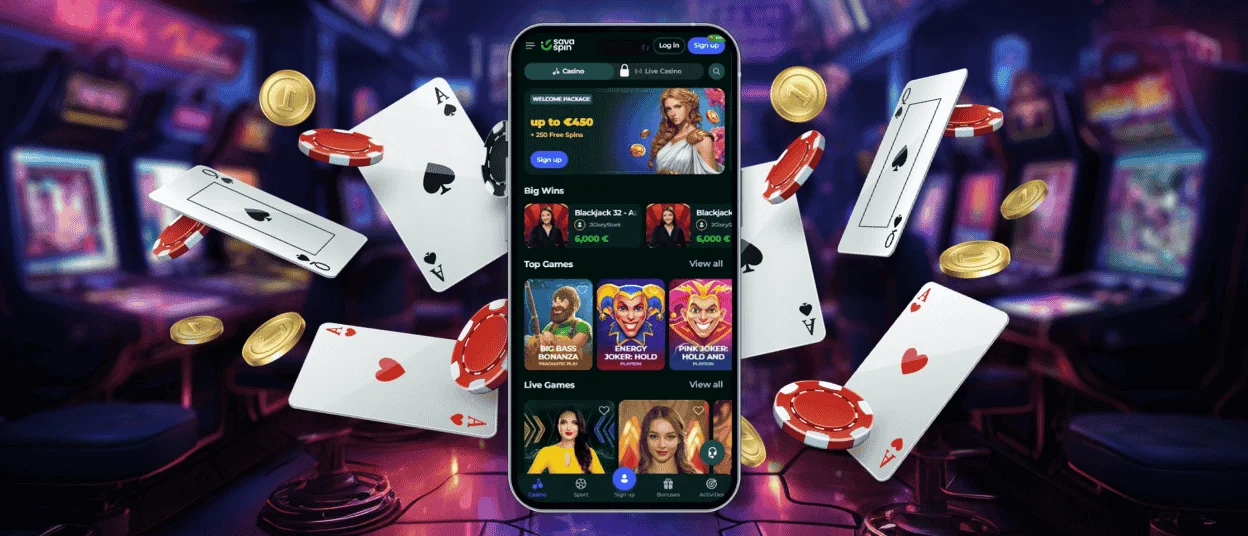
With the Savaspin app, you can enjoy mobile casino gaming on the go without any unnecessary restrictions. All features have been fully ported from the web version and enhanced with full-screen mode and customizable push notifications.
Thanks to these features, as well as faster game loading times, you’ll notice a significant difference compared to playing the browser version. You can download the Savaspin application directly from our website for Android and iOS devices, as well as for computers.



Benefits and Features of the Savaspin App
By playing on the Sava Spin app, you can experience gaming in a whole new way. For example, certain game genres, such as crash games, seem as if they were specifically designed for your mobile device. This is evident in the speed and optimization of the gameplay, as well as the short duration of each gaming session.
Also, unlike the desktop version, a key feature of the mobile software is the ability to play anywhere without losing any functionality. On the other hand, it’s more convenient to log in to your Savaspin Casino profile on a PC, but you can also do this in the app using Face ID or fingerprint sign-in.
Savaspin App for iPhone and iPad
The iOS version is fully optimized for mobile gaming and uses minimal device resources. Thanks to PWA optimization, power consumption is also significantly lower than in the web version. If you decide to install our Savaspin app on your device, you should know that installation takes just a moment.
Once installed, you can enjoy playing the best online slots from top providers. Additionally, all your operations and transactions are fully synchronized and updated in real time. When it comes to security, all data and payments on the platform are identical across all versions and protected by high-quality security standards.
Mobile Application for Android
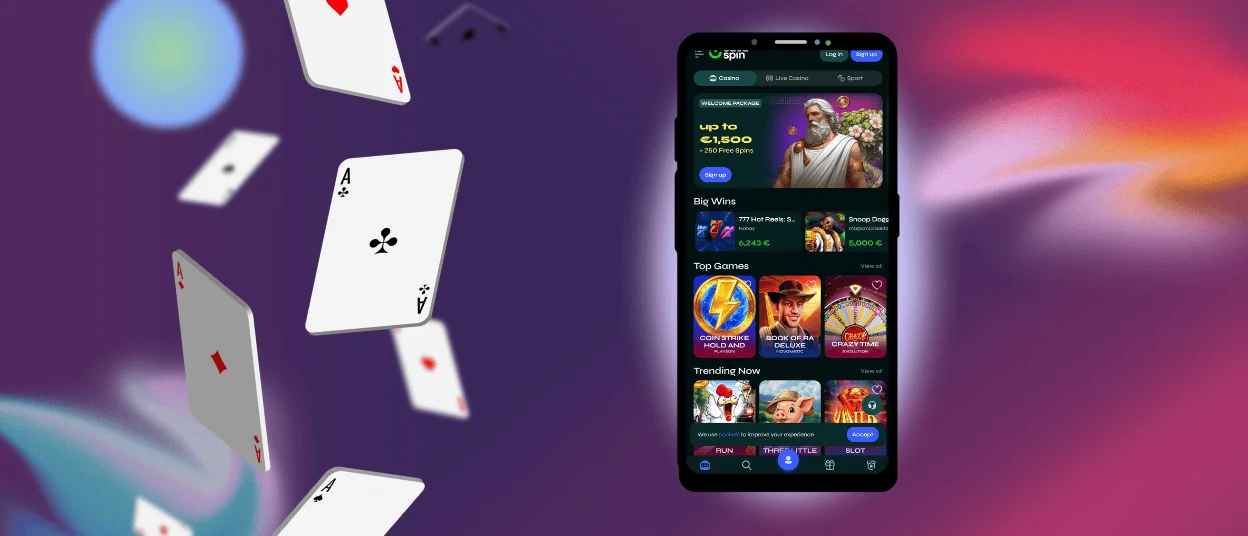
The Savaspin Casino software can be used on your Android tablet or smartphone as easily and comfortably as on a desktop. We’ve made the version faster and more efficient. The application loads quickly and features high-quality graphics. You can play your favorite games and receive personalized offers.
If you have any problems with the software, our support team is always ready to help you to resolve your issues quickly. You can contact us via live chat or email. After that, one of our staff members will reply to your email with further instructions.
Play Sava Spin Casino on Mac or Windows
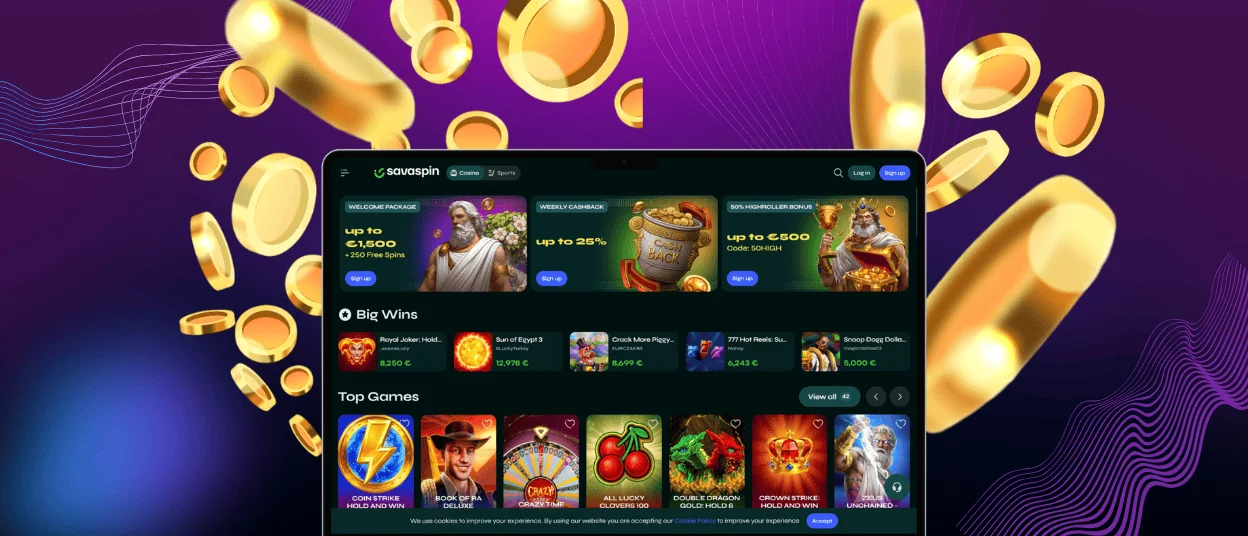
Playing at Sava Spin Casino on your computer will be even more convenient with the app. It offers many advantages over the web version, and installation takes just a couple of moments.
To do this, simply locate the install button in the address bar, which starts the installation immediately, and you’ll be able to enjoy a whole new gaming experience. Here are the main advantages of the Savaspin Casino over the browser version:
| Feature | Browser Version | Windows/Mac Application |
| Loading Speed | Standard | Optimized for performance |
| Full-Screen Mode | Limited | Native full-screen mode available |
| Push Notifications | Limited | Direct bonus & event alerts |
| Navigation | Standard browser controls | Faster access with a streamlined interface |
How to Install the Savaspin App on Any Device
Installing the Savaspin app on any of your devices is as fast as possible thanks to PWA technology. You also avoid the risk of losing your data when interacting with third-party sources by installing the app directly from the website. Here is the information about downloading our application on any device:
- Find the “Menu” button and click on it
- Next, press the “Add to Home screen” button and name the application
- Confirm the action and wait until the icon appears on your gadget screen
After downloading, you can explore the site’s features without logging in and try out the demo modes of many games to test how they work at Sava Spin Casino and make an informed decision.
Device Compatibility
The Savaspin platform is fully optimized for cross-platform play. This means you can start a session at home and, if you need to step away, quickly switch to your mobile device without losing any data or progress. Your deposit history, game history, and bonus wagering history are also synchronized and available for viewing in your profile.
In order to have a smooth experience at Savaspin Casino, we also recommend that you check the system specifications, as there might be issues and errors if your device does not meet the minimum recommended requirements.
FAQ
What do cashier pages look like on small mobile screens?
The cashier page at Savaspin has been fully optimized for your smartphone screens, so you don’t need to worry about this process causing any inconvenience. All fields have been enlarged and displayed separately, so you can carefully double-check the information you’ve entered.
Do live chat messages save when switching from desktop to mobile?
Yes, when you switch from the desktop version to the Sava Spin program, and you still have unresolved issues, your entire conversation and any attachments will remain available for viewing across devices.
Can verification documents be uploaded via the app?
Of course. You can also complete the verification process through the Savaspin Casino software without sacrificing convenience. You can take photos of your ID and proof of address and upload them directly from your device, which in some ways makes the process even more convenient than using a desktop computer. A confirmation email with the verification results will be sent to the email address you provided during registration.


